Sharp at the browser's density
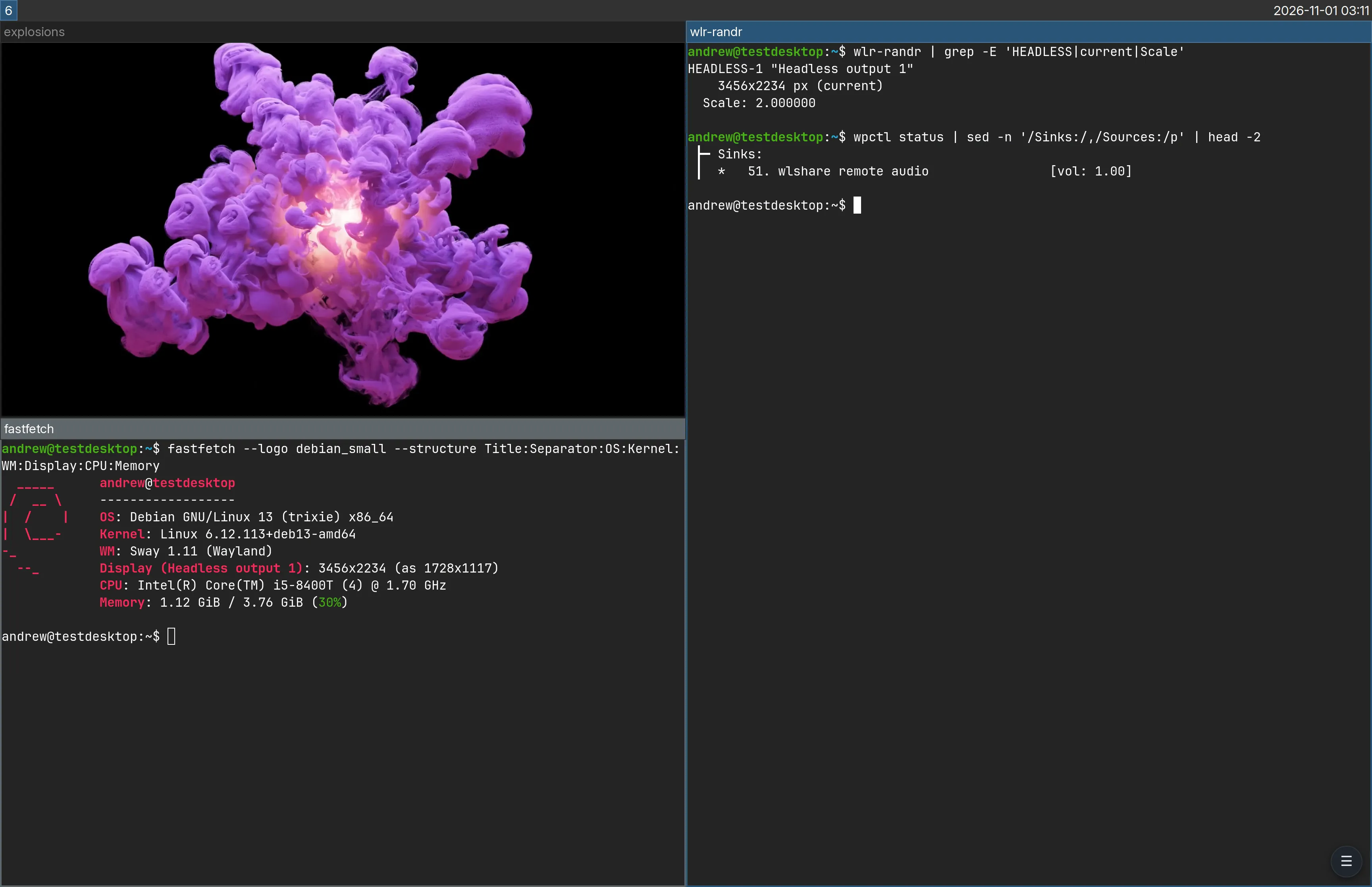
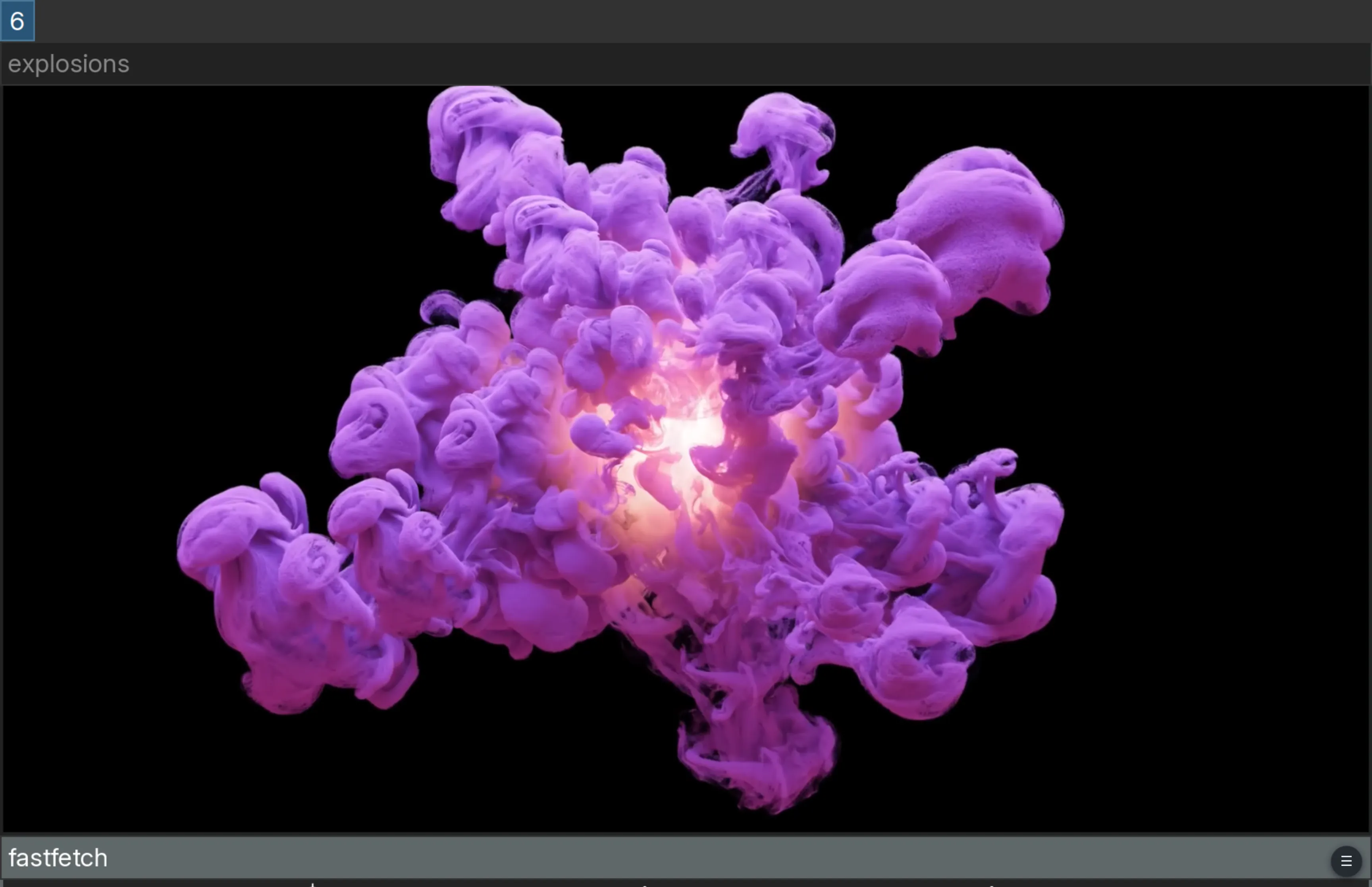
It tells the client the density its pixels are drawn at, which standard RFB cannot, and takes the browser's as the output's scale: a Retina or HiDPI screen shows the desktop sharp and at its true size, and a headless output follows the window's size.
A picture for the link
H.264 of the whole desktop from the host's hardware encoder or libx264, fitted to the link; RemoteFX Progressive tiles; lossless tiles with a video stream for each region that moves; or lossless tiles throughout, for a LAN.
The desktop's sound
While a client listens, a PipeWire sink of wlshare's own is the default, and what plays there is sent as lossless FLAC or as Opus. A headless desktop needs no sound card.
The browser's camera and microphone
Lent to the desktop as PipeWire devices, and opened in the browser only while an application on the desktop uses them: a call or a recording there, with the camera in front of you.
One output or two
The client is sent the desktop's outputs to choose from, and a second connection is shown another beside the first. On sway, a client that asks for two virtual displays is given a second headless output.
A login that names its account
RSA-AES with the account's own password through PAM, or a password of its own kept as an Argon2 hash. Classic VncAuth, which cuts the password to eight characters and leaves the session in the clear, is not offered.
Any wlroots compositor
sway, labwc or another compositor offering wlroots' protocols, headless or on a monitor. The pointer stays out of the picture and the client draws it; wlshare's APT repository has the wlroots 0.19 that keeps it out on a headless output, for Debian trixie.
One client at a time
A connection that logs in takes the desktop from whoever holds it, as Windows Remote Desktop does, so a client that died leaves nothing behind: connecting again takes the desktop back.
Where it runs
The desktops behind the demo and the pictures here, and how each is set up:
A headless desktop, up at boot
sway or labwc as a systemd user service on wlroots' headless backend, started at boot under lingering with nobody logged in. The session starts wlshare, which sizes the headless output for each client. How
A desktop at the console, handed over
On a machine with monitors, a client taking the desktop is shown a headless output at its own size and density while the monitors go dark, and wlshare watch puts the windows back on them when it leaves. How
LXQt on labwc
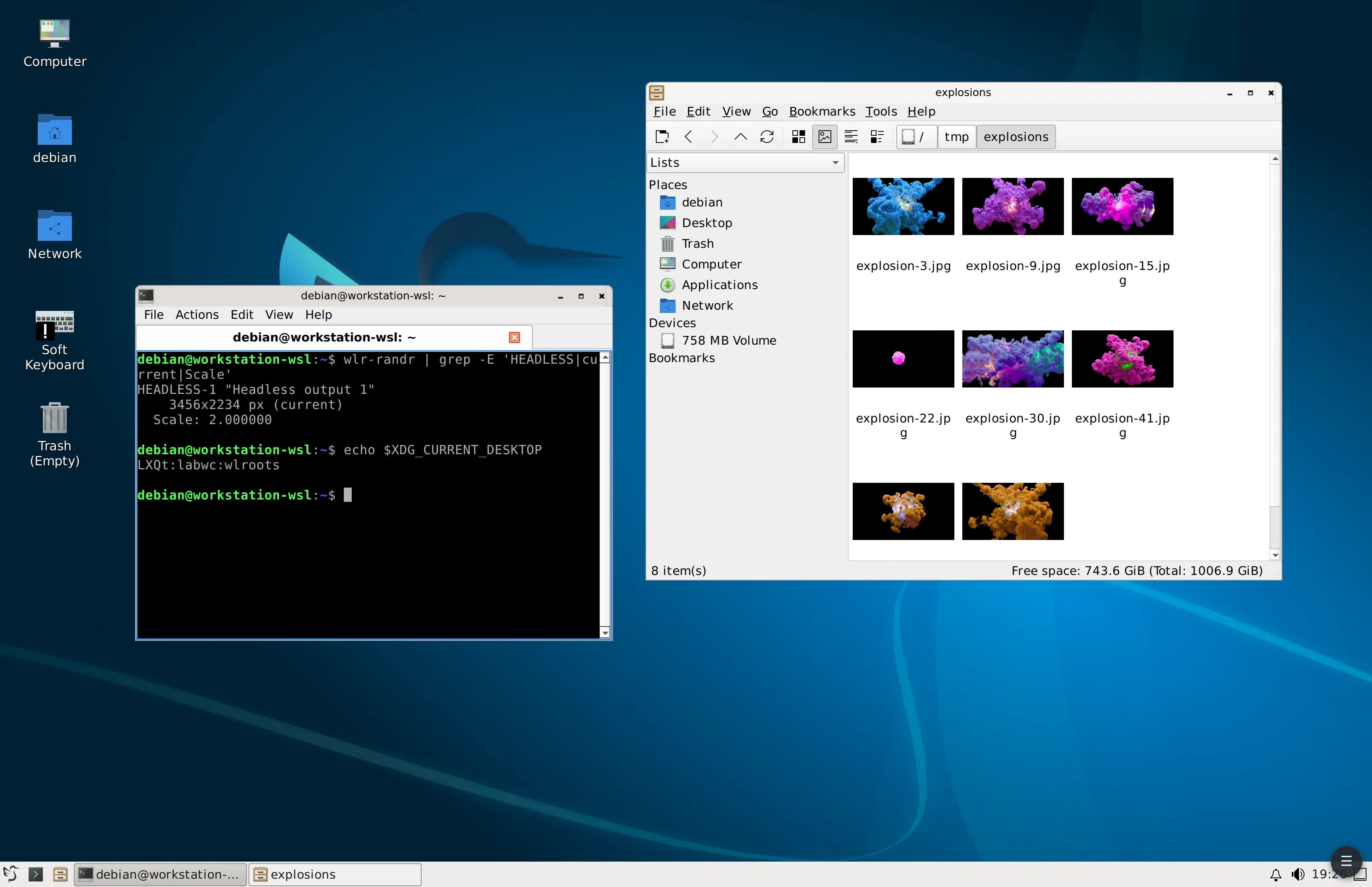
A stacking desktop with a panel, a menu and a file manager, on labwc rather than a tiler: the same wlshare, since every wlroots compositor is the same kind of peer.
The keyring, unlocked by the login
With the system login, the password PAM has just checked unlocks the login keyring of a desktop no display manager started. How
Several desktops behind one gateway
One zDesk gateway, in a container or a Kubernetes pod, with a target for each desktop beside Windows and Mac targets, each reached from any browser.
Through zDesk
A vnc target with subtype = "wlshare" asks for all of it. Without the subtype the same server is read as any VNC server is: its pixels at 1x, with no sound.